01
Share the slide. Keep the cockpit.
Share just the audience-safe slide window on Zoom, Teams, or the projector while your notes, timer, next slide, and controls stay private on your own devices.
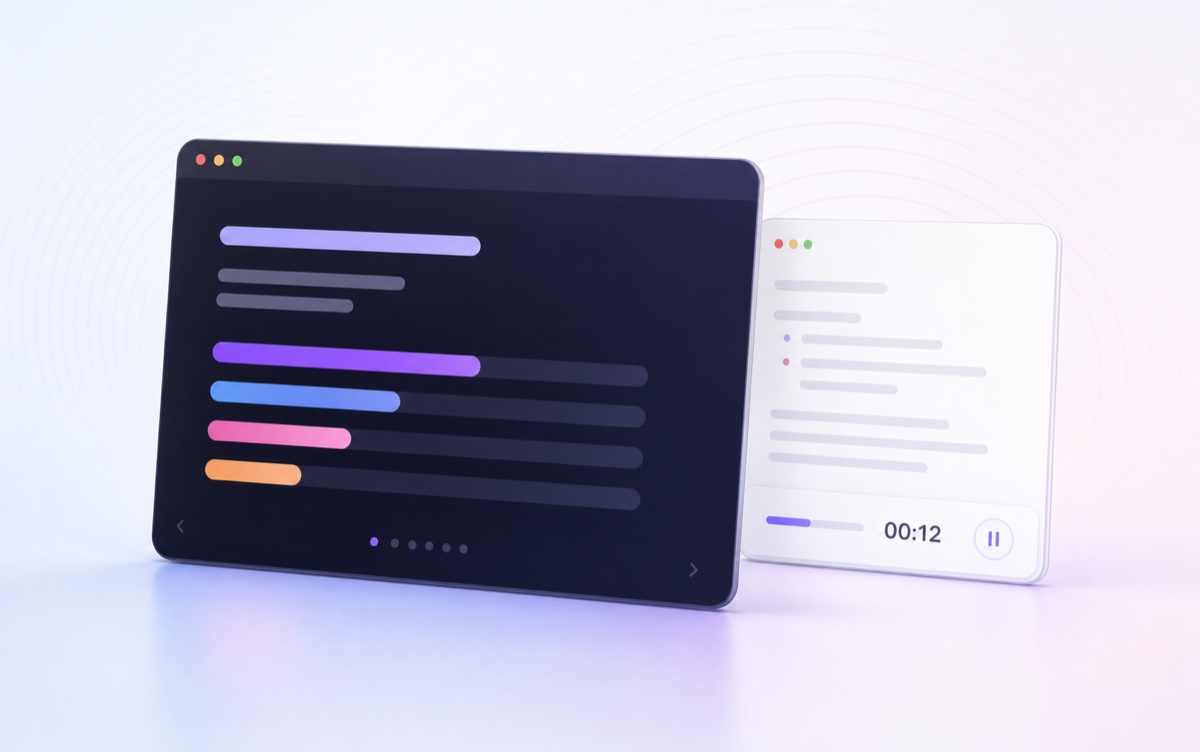

Symphoniee Presenter plays your deck in a window you can share, keeps your notes on your own screen, and puts the whole presenter view on your iPad — so you can teach from the middle of the room.
Full-screen slideshow makes one screen do too much. Symphoniee Presenter separates what the audience sees from what the presenter needs, then keeps every device in sync.
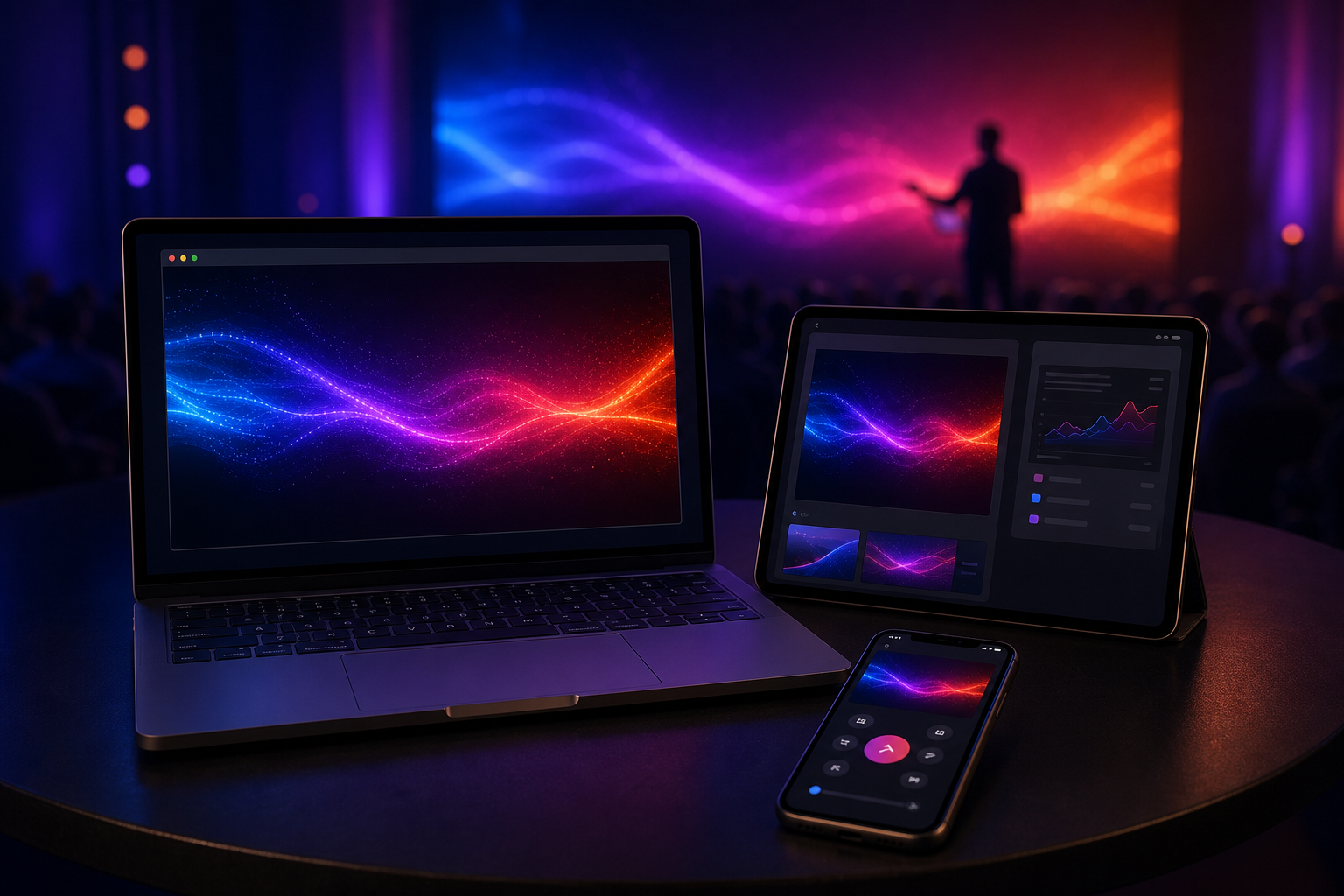
Open the presentation your team already uses. Symphoniee Presenter adds the private notes, controls, and connected devices around it.
 PowerPoint.pptx
 Slidesexport
 PDF.pdf
Symphoniee Presenter keeps the audience screen clean while the useful presenter layer travels with you: notes, timer, filmstrip, remote, spotlight, and quick recovery when the conversation changes direction.
Share just the audience-safe slide window on Zoom, Teams, or the projector while your notes, timer, next slide, and controls stay private on your own devices.
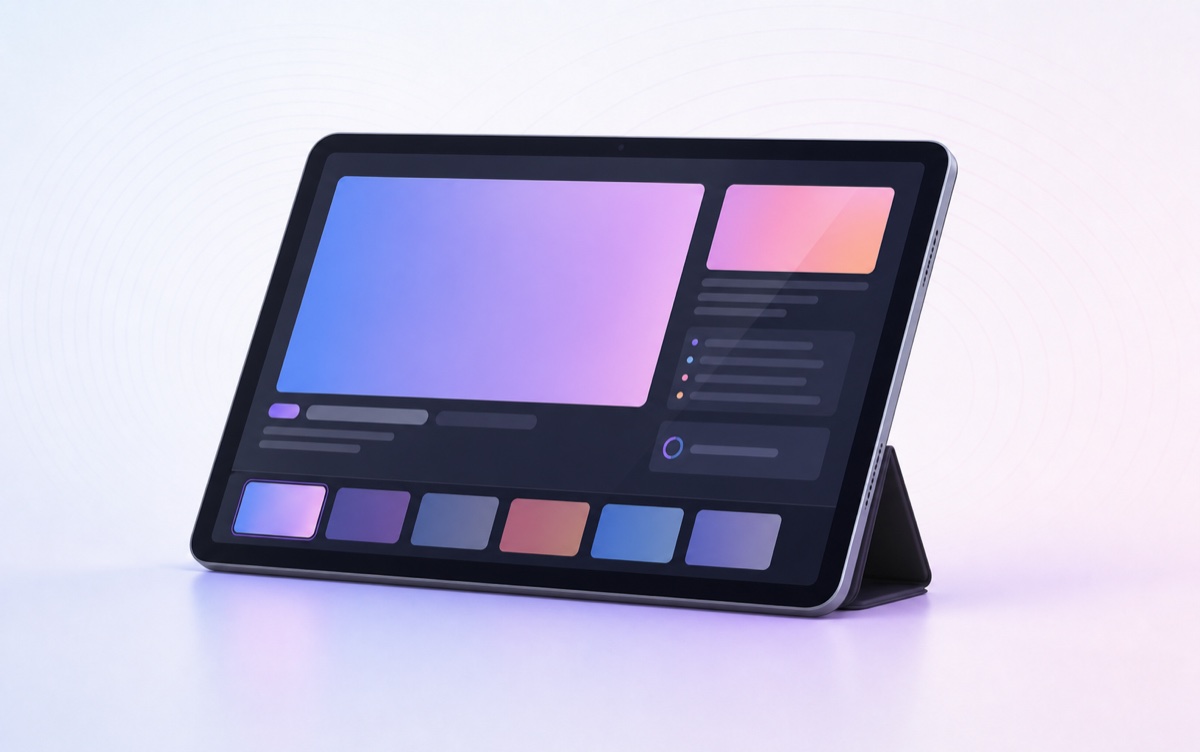
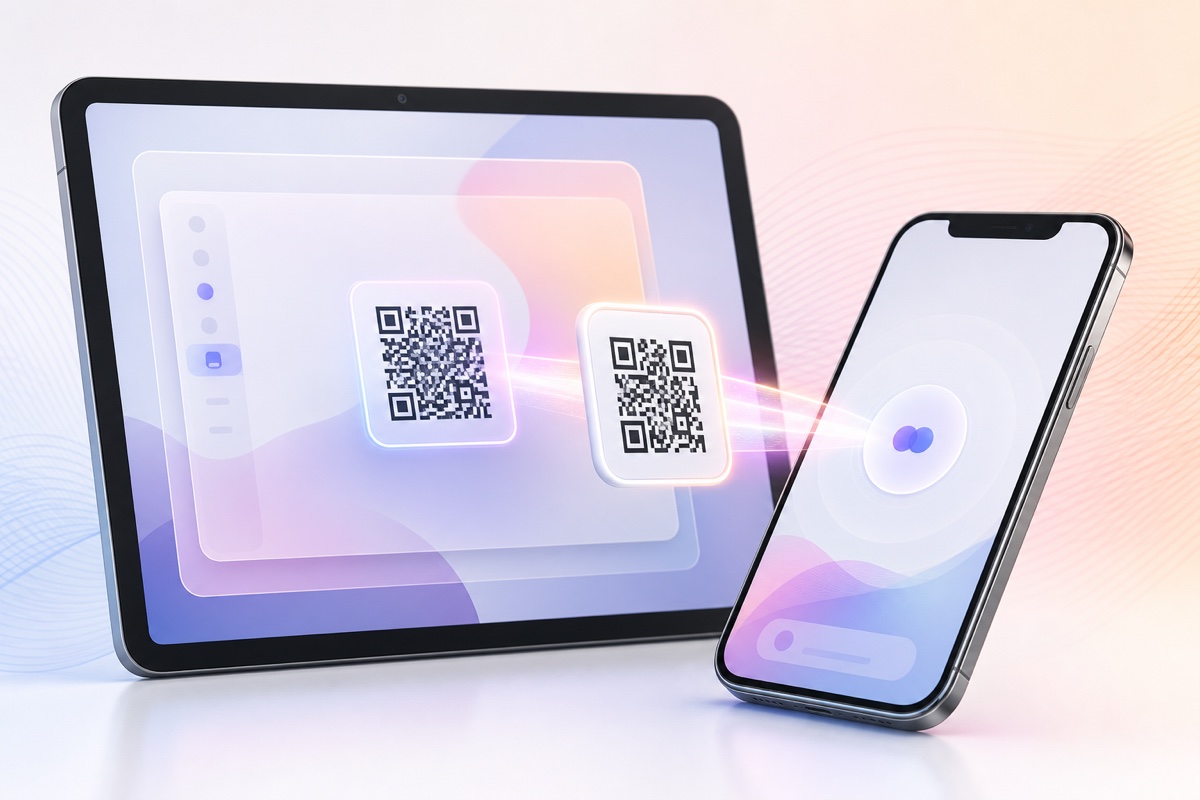
Scan a code and your iPad gets current slide, next slide, notes, timer, and a tappable filmstrip.
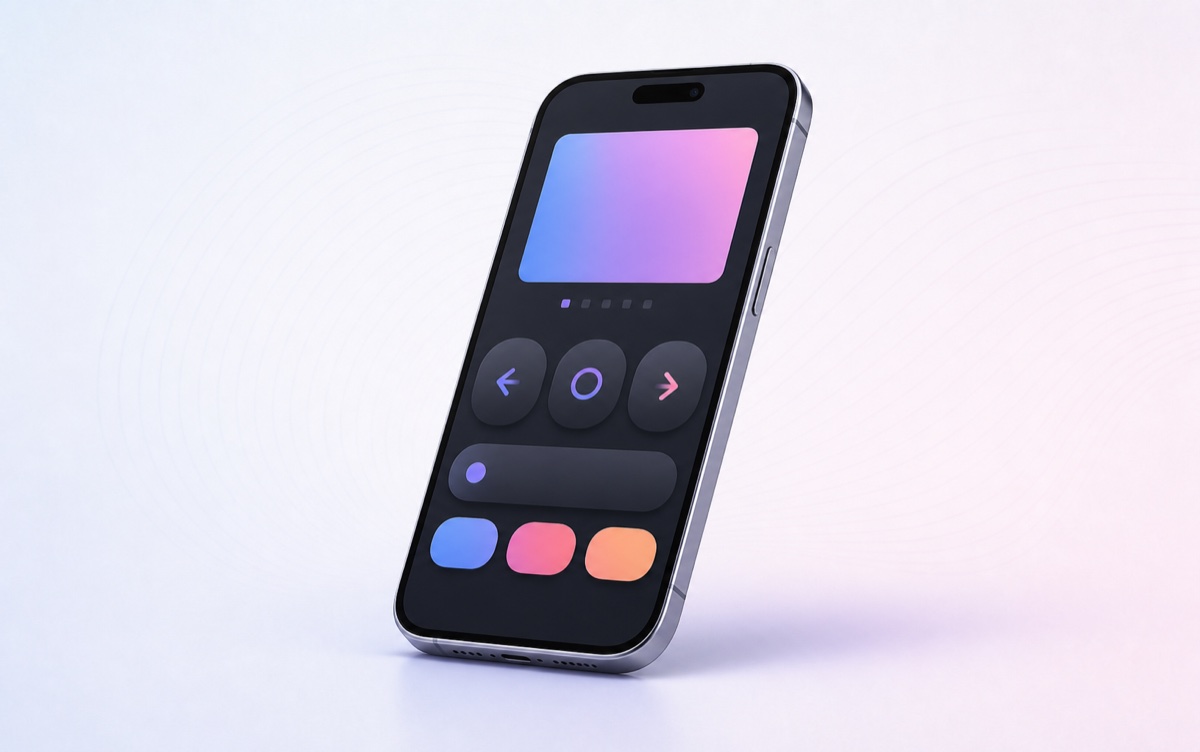
Next, back, blackout, and laser from your phone, so you can stay with the people in the room.
Circle a detail, spotlight one corner, dim the rest, or turn the projector into a quick whiteboard.
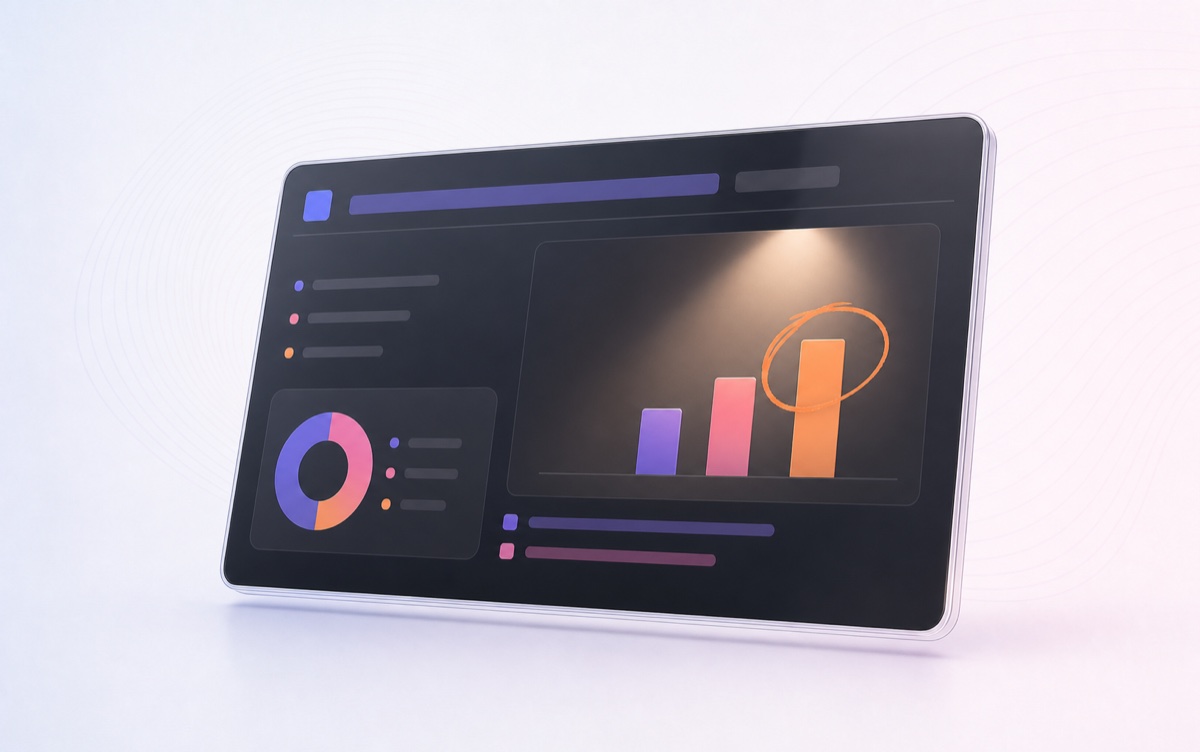
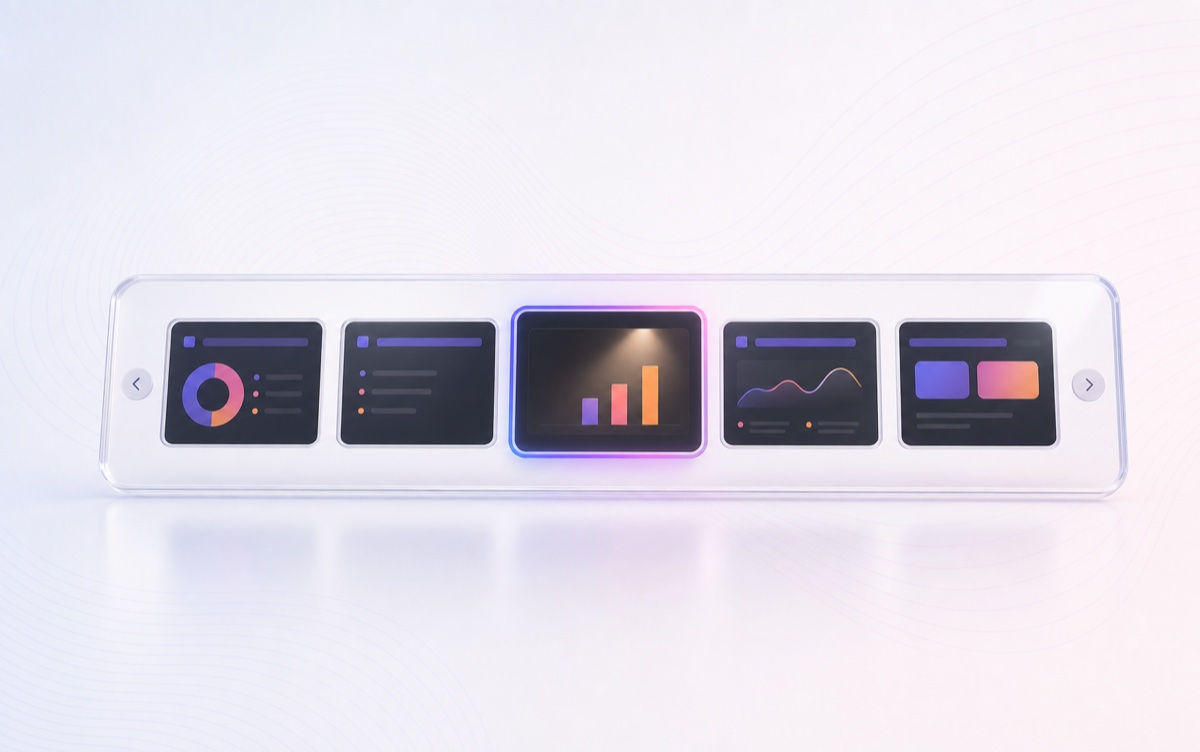
Every slide sits in a filmstrip. When someone asks about slide 12, you are there in one tap.
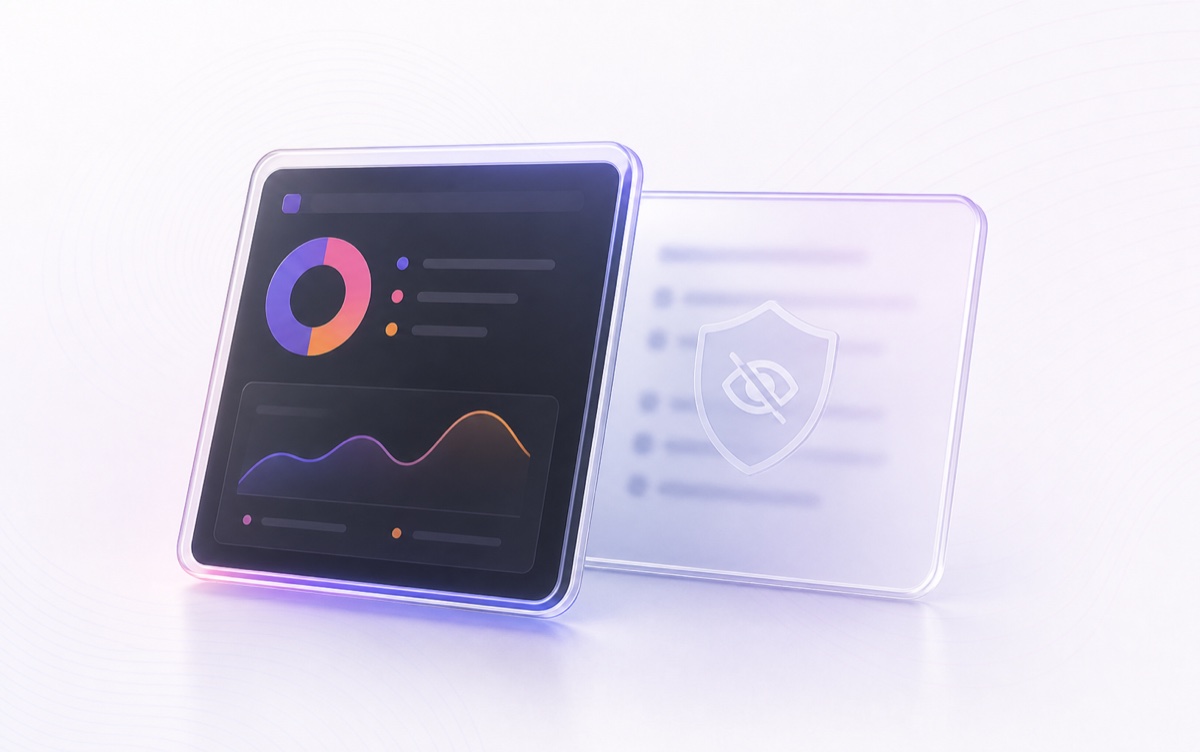
The presenter view stays out of the audience feed and screen recording, so your prep stays yours.

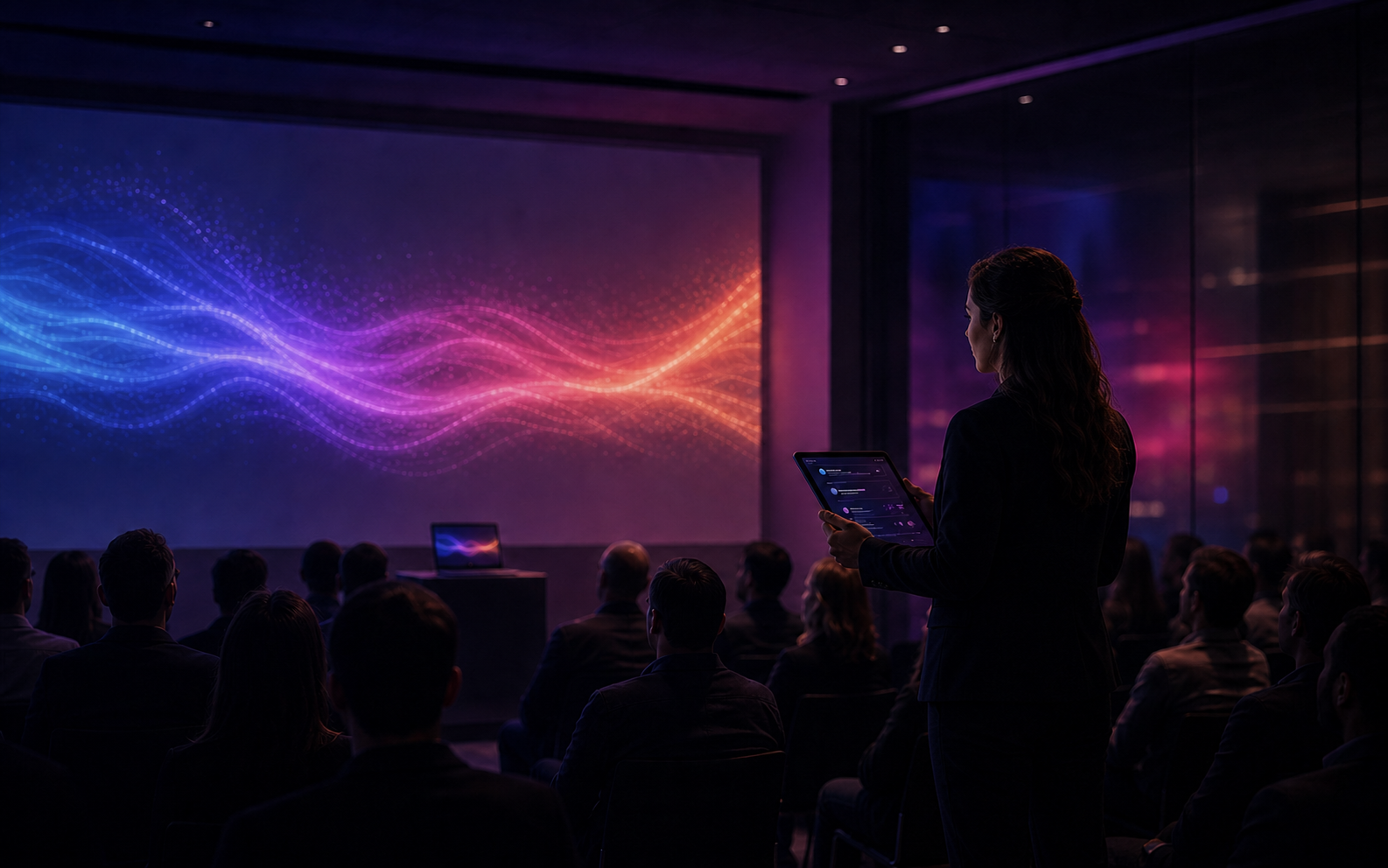
A laptop keeps you at the front. Symphoniee Presenter doesn't. Put the deck on the wall, the presenter view in your hand, and spend the session with the people you're teaching.
Symphoniee Presenter keeps setup as light as the presenting experience. Get the app, open it once, then pair the device you want in your hand.
Enter your email and the download link arrives with a simple setup code. There is nothing to configure before you open the app.
The app prepares the local connection for you, so your Mac and the devices in your hand can find each other automatically.
Scan the pairing code with your phone or iPad. Your notes, timer, filmstrip, and controls are ready to move with you.

Free for Mac & PC, and set up in about two minutes.